 ShaderKit
ShaderKit
ShaderKit
A complete shader studio with cloud rendering up to 8K, seamless loop tools, and a proper export pipeline. Built by a shader artist who needed something better.
Live previews from our community. Click any shader to open it in the editor.
Professional tools for shader development. Not a playground—a production environment.
Offload heavy renders to our GPU cluster. Export at resolutions your browser can't handle.
Examination mode visualizes your loop transition. X-time mapping helps debug discontinuities.
Unlimited buffer channels for complex effects. Feedback loops, blur passes, whatever you need.
Floyd-Steinberg, Bayer, Sierra dithering. Custom palettes. Palette discretizer for stylized output.
WebM and MP4 at up to 60fps. In-browser recording or cloud render for heavy shaders.
Vibe Mode uses Claude to fix errors and help iterate. Optional—you control the code.
SDF primitives, noise functions, color palettes. Save your own functions and templates.
Fork tracking and version history. See the evolution of your work. Never lose a good iteration.
Compatibility mode for iTime, iResolution, iMouse. Bring existing work over instantly.
Syntax highlighting, auto-completion, multiple themes. Real-time preview as you type. Add custom uniforms for interactive parameters. Multi-buffer support for complex compositions.
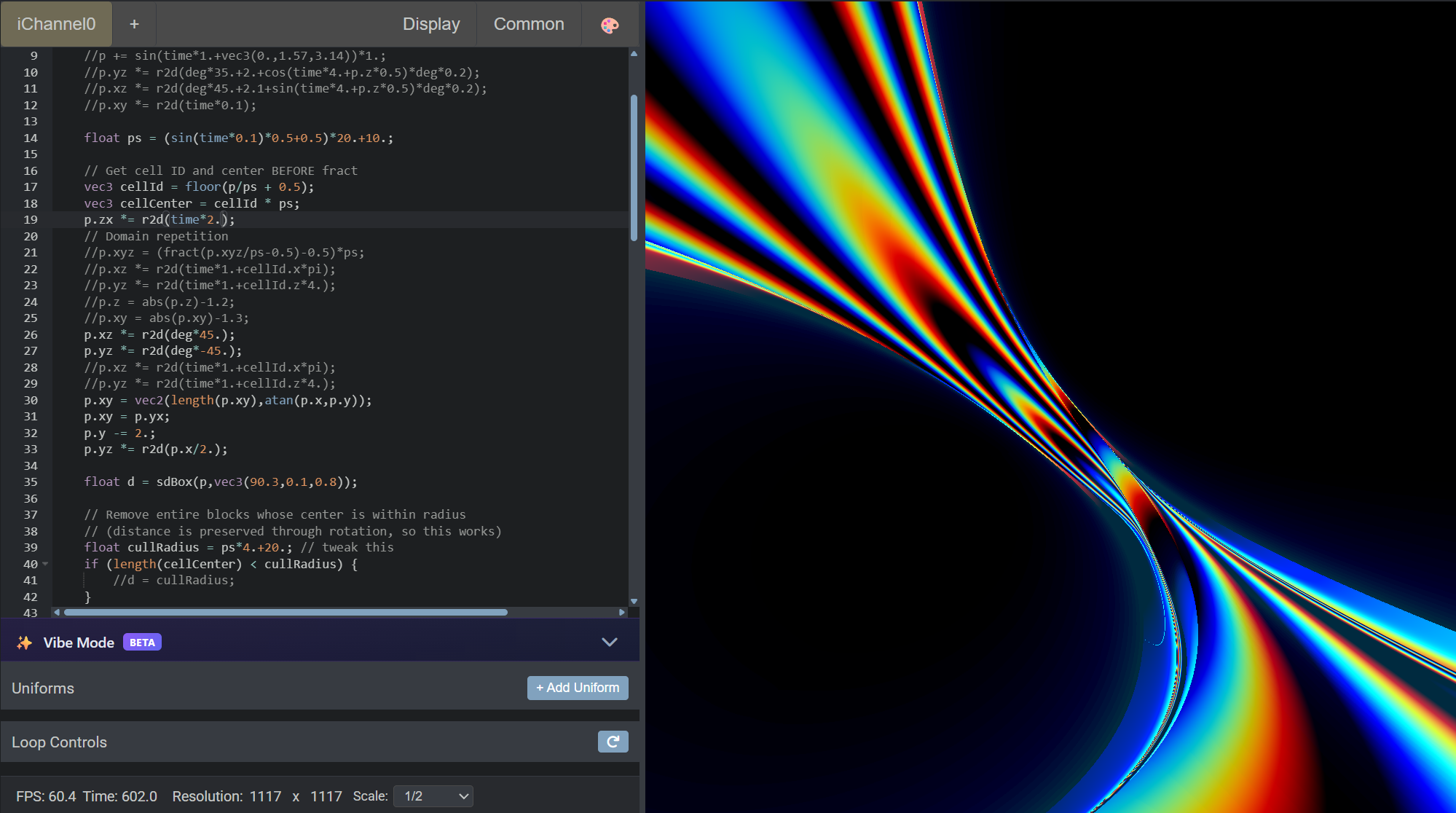
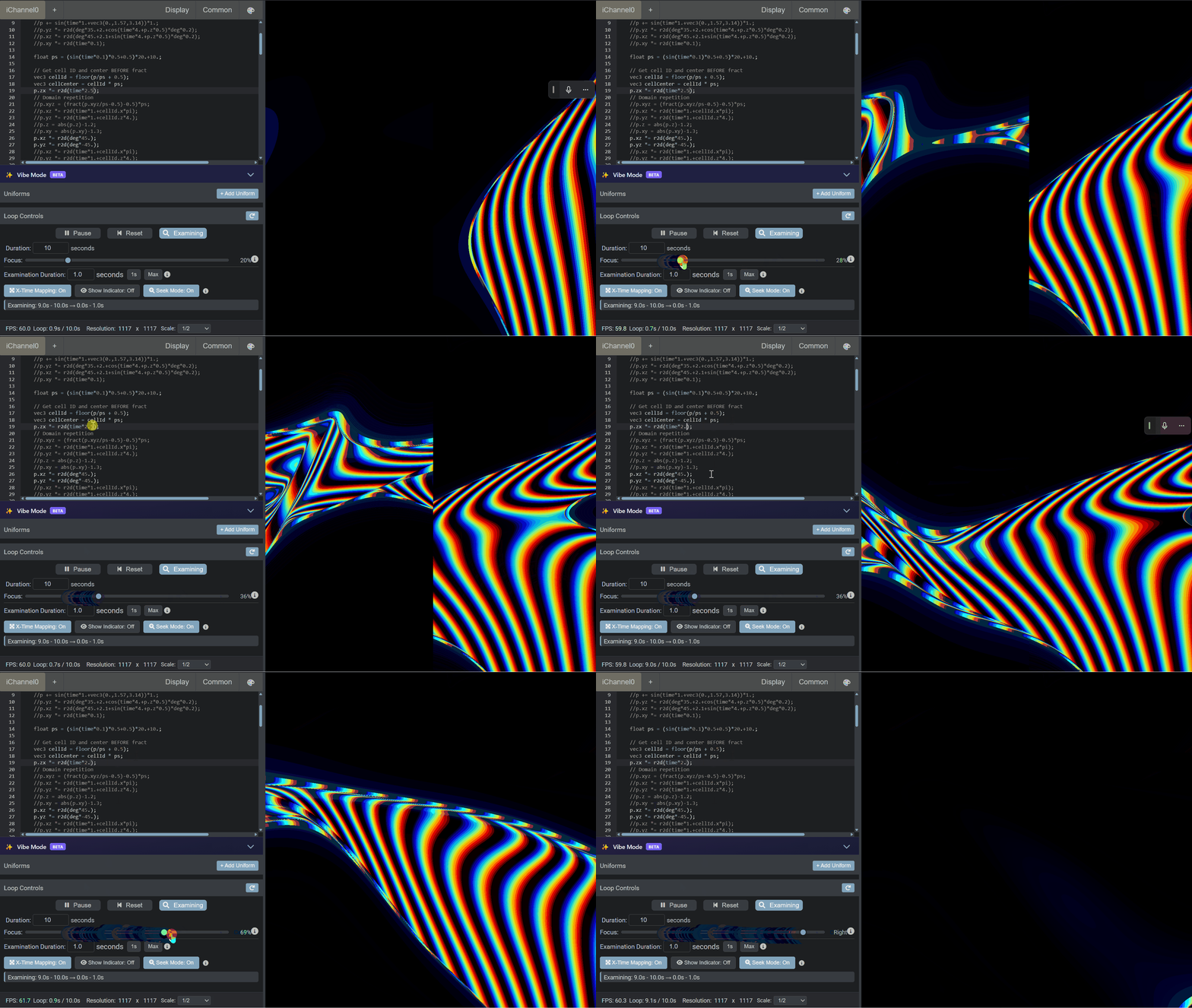
Examination mode shows the transition point in slow motion. X-time mapping remaps time to identify discontinuities. Seek mode for frame-accurate control. The tools you actually need to nail seamless animations.
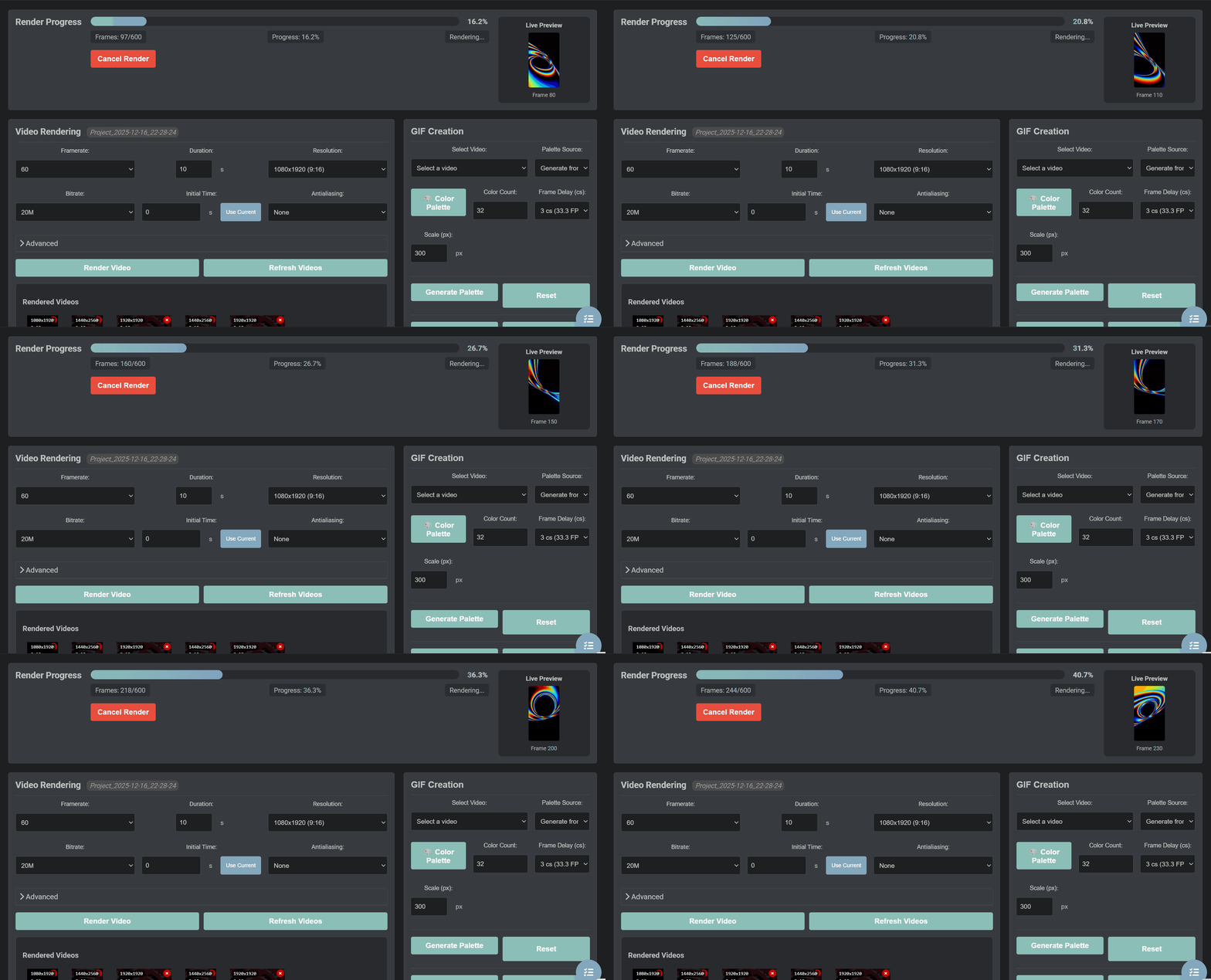
Cloud rendering handles up to 8K. Multiple anti-aliasing options up to 8×8 supersampling. Export to video, GIF, or high-res stills. Automation plans for batch rendering workflows.
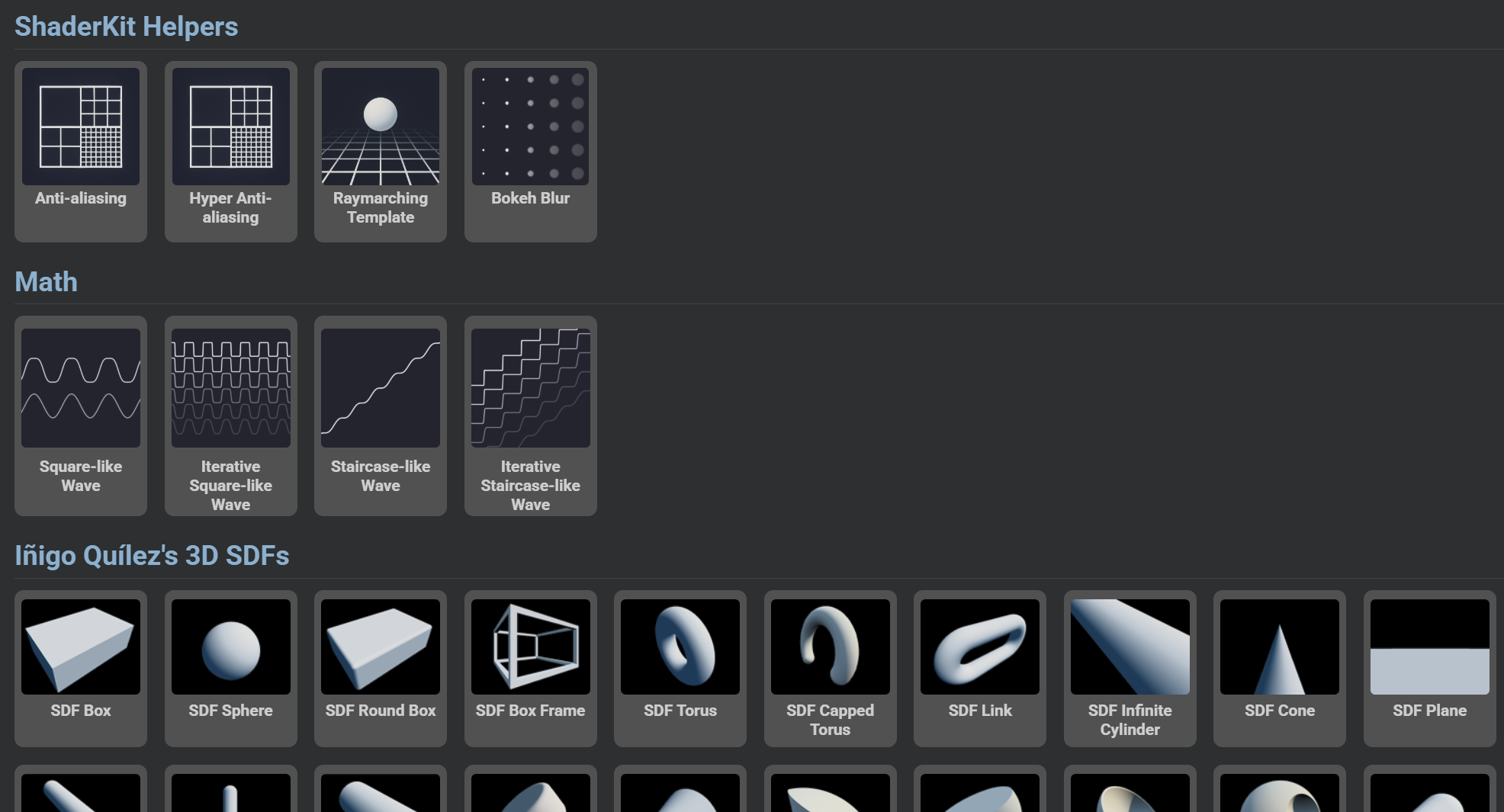
Access reusable functions—noise algorithms, SDF primitives, color palettes. Save your own functions as snippets. Start from templates for common patterns. Stop rewriting the same utilities.
Code with syntax highlighting and real-time preview. Import ShaderToy projects directly.
Use loop tools to perfect timing. Fork variants. Let AI help fix errors if you want.
Record in-browser or send to cloud for high-res. Choose format, resolution, quality.
Download MP4, WebM, GIF, or PNG. Ready for social, clients, or print.
The full editor is free forever. Subscribe for cloud rendering + vibe mode.
Full editor. Forever free.
Cloud rendering for finished work.
For heavy rendering and priority access.
Need more credits? Purchase additional packs anytime.
Credit estimates: 1 minute of 1080p ≈ ~2,000 credits, or ~1,300 credits for 720p.
Subscription value: Creator ≈ 25 min of 1080p/month. Studio Pro ≈ 87 min of 1080p/month.
No signup required to try. Your browser is the only tool you need.
Open ShaderKit →